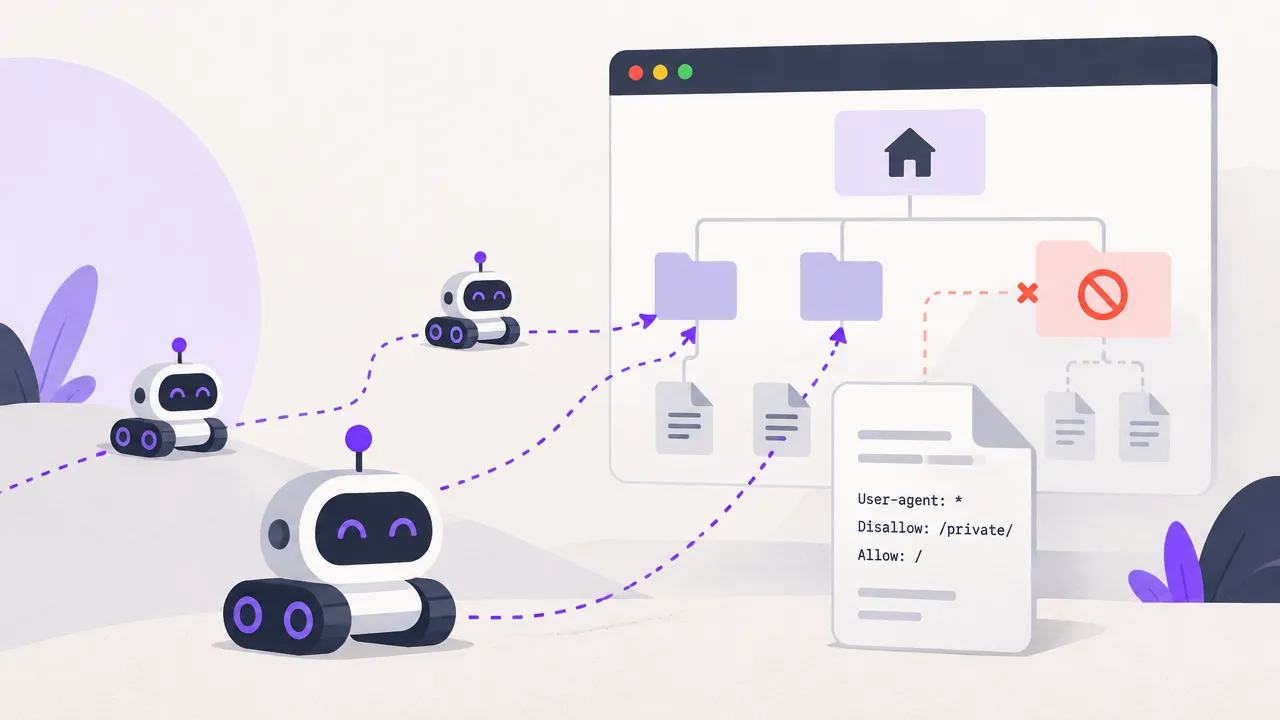
A robots.txt file gives compliant crawlers instructions about which parts of a website they can request. I use it to guide crawl activity, not to hide pages or secure private information. This guide explains the rules, shows a safe starting example, and outlines how to check changes before they affect organic search.
Key points to remember
- The file belongs at the root of each site origin, such as
https://www.example.com/robots.txt. Disallowcontrols crawling, but it does not reliably prevent a URL from appearing in search results.- Rules are instructions for compliant crawlers, not access controls for people or malicious bots.
- Check important pages and resources after every change, then monitor the file over time.
What does robots.txt control?
Robots.txt controls whether a crawler should request URLs on a particular site origin. It is a plain text file organized into groups: each group identifies a crawler with a User-agent line, followed by rules such as Disallow or Allow. The Google robots.txt documentation explains how Google applies these directives.
The file applies to its specific protocol, host, and port. For example, the rules at https://www.example.com/robots.txt do not automatically govern http://www.example.com or https://shop.example.com. Each origin that needs crawl guidance should have its own file at the root.
Rules are voluntary. Well-behaved crawlers may follow them, while a scraper or malicious bot can ignore them. The Robots Exclusion Protocol standard describes the protocol as crawler guidance, not a way to authorize access to protected content.
What do the main directives look like?
A useful starting file is short and specific. This example blocks a site’s internal search results, allows a help path within that area, and points crawlers to the sitemap:
User-agent: *
Disallow: /search/
Allow: /search/help/
Sitemap: https://www.example.com/sitemap.xml
User-agent: * applies the group to all crawlers that honor it. Disallow names a path crawlers should not request, while Allow can make a more specific path accessible. The Sitemap line identifies an XML sitemap location. Keep the file in plain text, with each directive on its own line.
Only block paths after checking what they contain. Blocking scripts, stylesheets, or images that a search engine needs to understand a page can interfere with rendering. A path that looks unimportant to a developer may still contain useful public content.
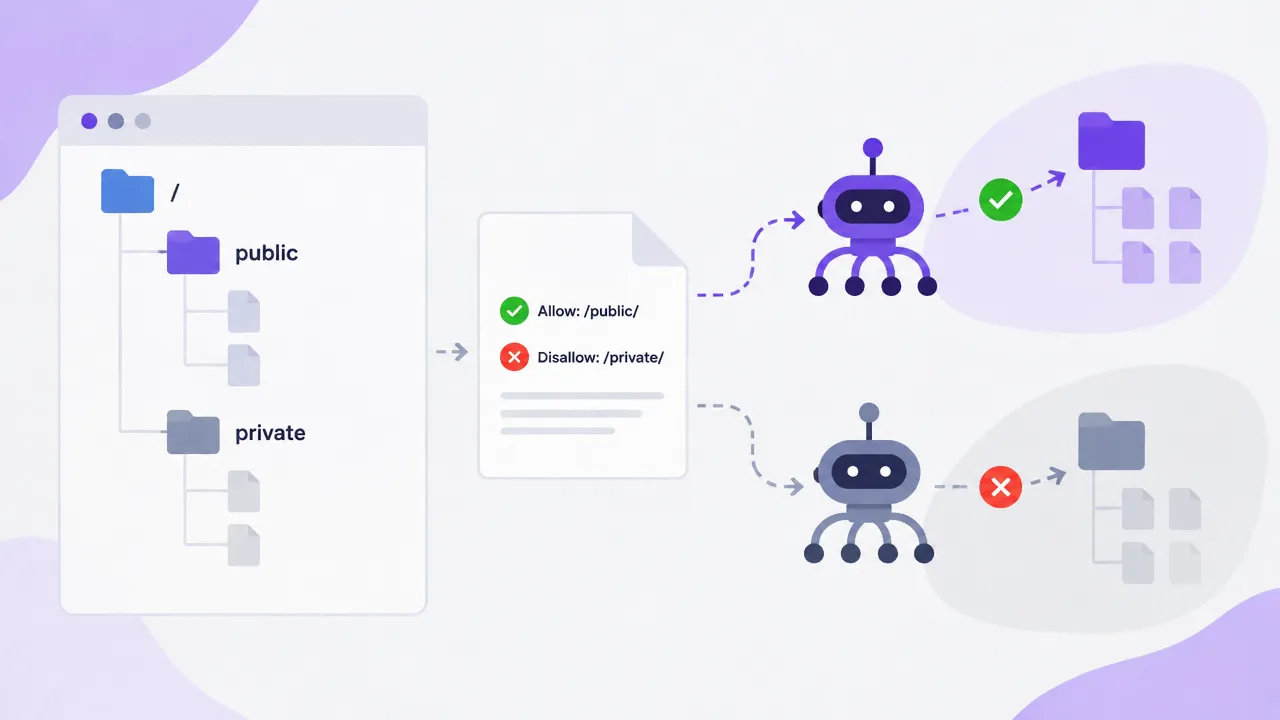
Why does a crawl block not remove a page from search?
A crawl restriction does not equal a noindex instruction. If a search engine discovers a blocked URL through links on other pages, it may still know that URL exists, even if it cannot fetch its contents. The result may appear without the page’s usual content details.
To keep a page out of search results, let the crawler access it and use an appropriate noindex directive, or protect it with authentication if it is private. A crawler cannot read a page-level noindex tag when robots.txt prevents it from fetching the page. I treat these as separate jobs: crawl guidance manages requests, while noindex or access controls address visibility and privacy.
Never put credentials, personal data, or confidential URLs in this file. Because it is publicly accessible, a disallow rule can actually draw attention to a path without protecting it.
How can I find, test, and fix the file?
Start by opening the root path in a browser and checking the response. A missing file is not automatically an SEO problem, but an inaccessible file, unexpected redirect, server error, or overly broad rule can affect crawling. Review the response and file contents before changing anything.
- Check that the file is available at the correct site origin and returns readable plain text.
- Review each disallowed path against live pages, templates, and resources used to render them.
- Test representative URLs with official search engine inspection tools where available.
- After deployment, revisit the file and check that the intended rules remain in place.
For instance, if an important product page is unexpectedly blocked, look for a matching rule in the applicable user-agent group. A broad rule such as Disallow: / blocks crawling across the site for crawlers that follow it, so it deserves special attention on a production domain. Also confirm that sitemap locations point to the correct, accessible file.

How should I manage crawl rules over time?
Treat robots.txt as a production configuration that needs review whenever the site structure changes. Staging releases, CMS updates, migrations, and new search or filter features can all make an old rule inaccurate. I recommend comparing the file against a list of important landing pages and the current sitemap after significant changes.
Some crawlers support extra directives that others do not. For example, do not assume that a Crawl-delay rule will control every search engine. If you use one, verify crawler-specific support; a crawl-delay check can help identify the directive in your setup.
For continuous oversight, I recommend including crawl access in a recurring technical review. 37 Audits provides website audits and monitoring, including a sitemap check that can help teams catch related discovery issues. Pairing these checks helps keep crawl instructions and sitemap signals aligned.
Frequently asked questions
What is a robots.txt file used for?
A robots.txt file tells compliant web crawlers which URL paths they may request on a site. Site owners use it to reduce crawling of low-value areas, such as internal search results or temporary paths, and to point crawlers to an XML sitemap. It does not grant access or protect confidential pages.
How do I find and check the file?
Open the site’s root address followed by /robots.txt, such as example.com/robots.txt. The file is plain text, so a browser can display it directly. To test how a rule affects a URL, compare the path with the file’s directives and use the search engine’s official testing or inspection tools where available.
Does blocking a URL keep it out of search results?
No. A disallow rule can stop a crawler from fetching a page, but it does not guarantee that the URL stays out of search results. A search engine may know the URL from links elsewhere. To prevent indexing, allow crawling and use a noindex directive, or restrict access with authentication.
What should I put in the file?
Add only rules you understand and intend to apply. A small site may need a sitemap location and no disallow rules; a larger site might exclude crawl-heavy internal search paths. Check each path against important pages and assets, and never use this file as the only protection for private information.
Does robots.txt work for every crawler?
No. Robots rules are voluntary instructions, and compliant crawlers generally follow them, but every bot may interpret or ignore them differently. Malicious crawlers can disregard the file. I treat it as crawl guidance for legitimate bots, not as a security control, access restriction, or guarantee about AI data collection.